How to manage restaurant orders more efficiently
Order mistakes cost more than the remade dish: they affect waiting times and how guests feel. Tackle each cause one by one.
Published · PRIME HUB Inc.
Why order mistakes happen
- Orders misheard when passed on by voice
- Handwritten tickets misread or incomplete
- Cancellations or changes that never reach the kitchen
- The wrong table number
4 ways to work more efficiently
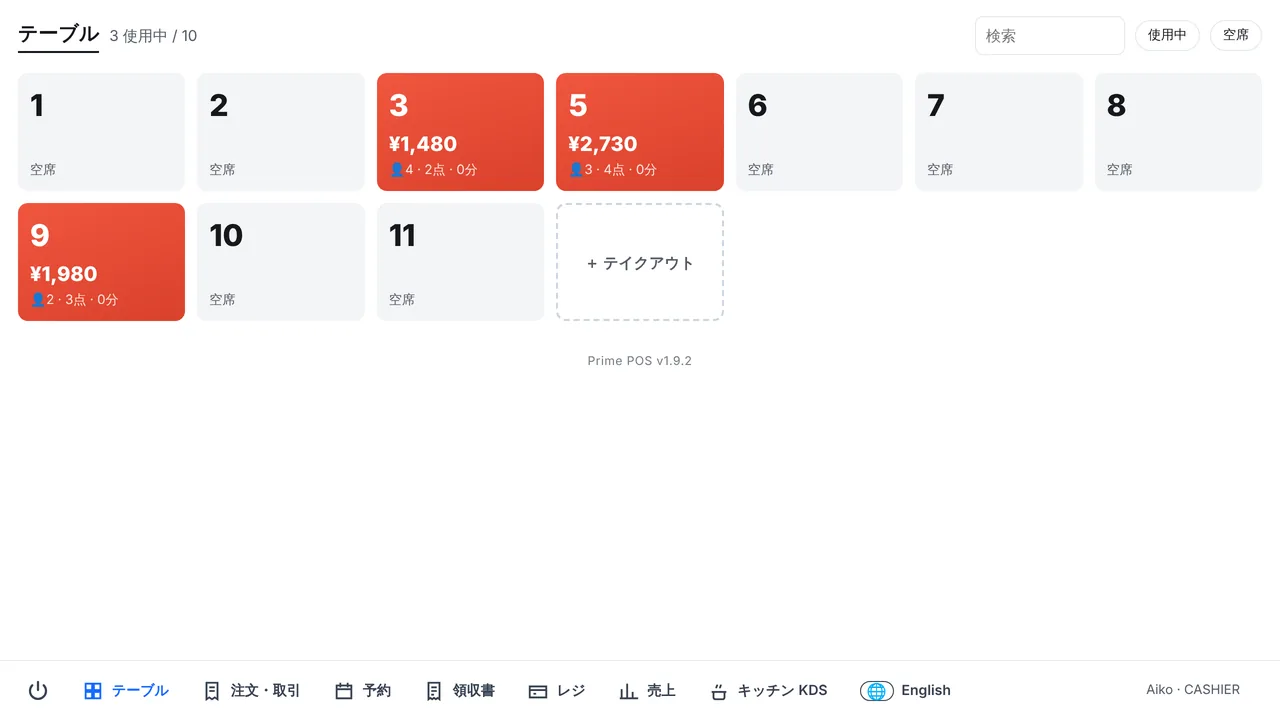
1. Enter orders on the POS
Choosing items and options removes misreading. Open the POS on a phone and enter orders at the table.
2. Use QR code ordering
Guests choose for themselves, so nothing is misheard (QR code ordering).
3. Print by category
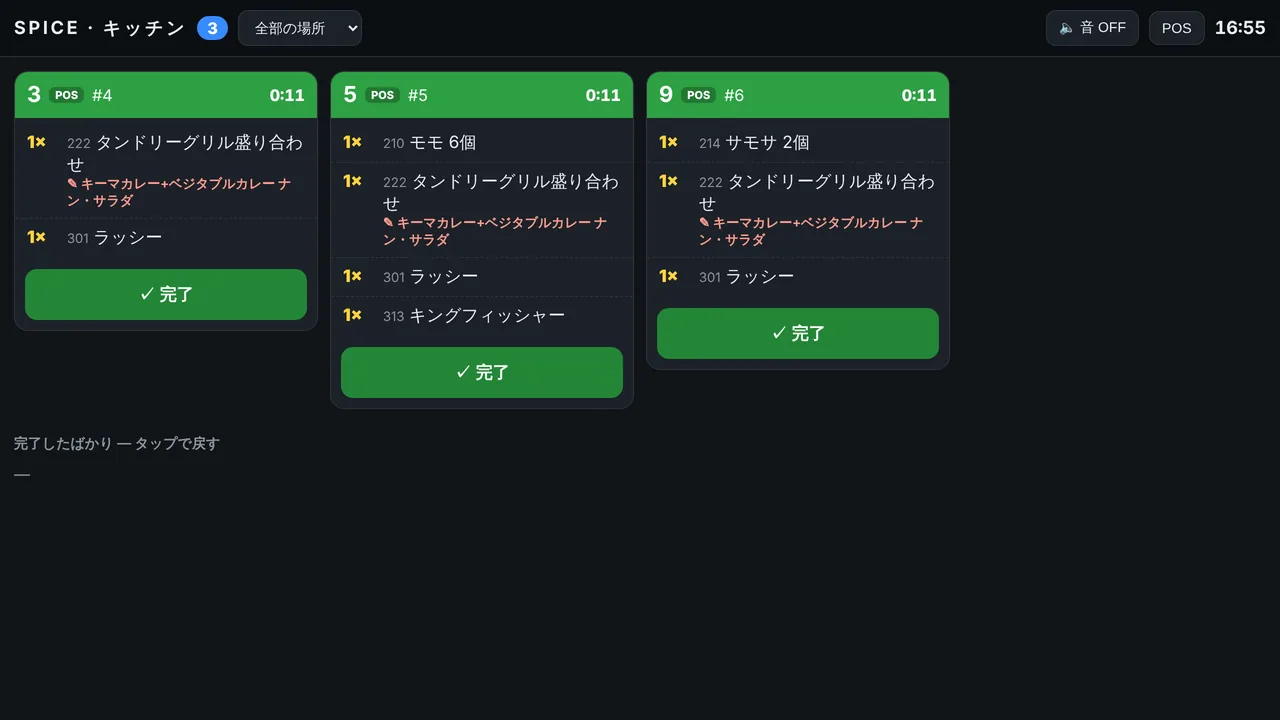
Send food to the kitchen and drinks to the bar automatically, so nobody has to sort tickets.
4. Send cancellations as void tickets
When a void ticket prints in the kitchen for cancelled items, half-made dishes are not wasted.
At peak times
Being able to move items entered on the wrong table, and to move or merge tables, keeps things calm when it is busy (table management).
Related Prime POS features
Start with one store, free.
Sign-up takes a few minutes, with no setup fee or contract. You can also try Pro free for 30 days.